 Space on Hold
You send a page, and they pick a time that's still free.
You set the room up once: when you're open, what you charge, how long you need between bookings, the deposit, and any files you want. Then you send the page. It can be the website. You pick a name, such as yourname.spaceonhold.com, or you use a domain you already own for that same page.
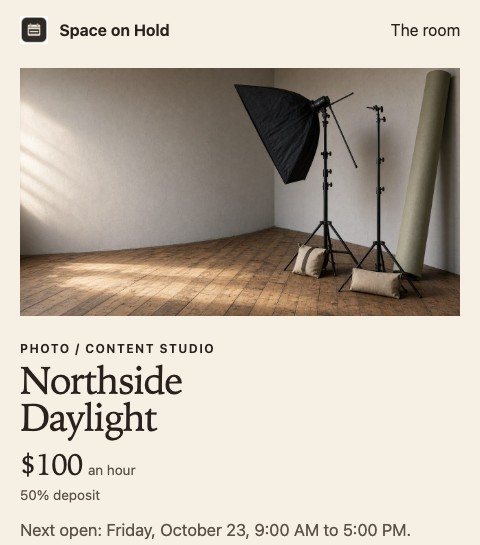
What you set up
- 01
You say what the first room is. That fills in a starting deposit, which rates begin turned on, and which files begin turned on. A backyard starts the way a barn does. A podcast room starts the way a rehearsal room does. You type the rates yourself. The software doesn't make up a price for the room.
- 02
You decide whether you charge by the hour, for half a day, or for the whole day. Each one you turn on has its own rate. Half a day is a flat price for a four-hour block. A full day is a flat price for that day’s open window.
- 03
You set the gap, in minutes, before a booking and after it, so you have time to reset the room. You set the deposit as a percent of the price. It stays at least 1 percent. You can offer extras, such as lights or a DJ, on one room or on every room. The person booking checks the ones they want, and those prices join the total the deposit is based on. Checking a light doesn't keep anyone else from booking the room.
- 04
You choose where the page lives. A name you pick looks like yourname.spaceonhold.com, and that can be the whole website. If you already own a domain, settings shows a CNAME to add where you bought it, for an address such as bookings.yourdomain.com, and a TXT record. The domain stays off until that TXT record matches. After it matches, your domain shows the same page. The button says Book this space. You can switch a room to Request details, which saves a note on your desk and doesn't create a booking.
How someone books a space
They open your page from a text, an email, your website, or because this page is the website. They book from there. There's no account for them to create.
- 01
They look at the hours you set and pick a time that's still open. The gap you asked for is already held around other bookings, so they can't take the minutes you need to reset the room.
- 02
They pay a deposit so that time stays theirs. Once card payments are set up, they pay by card and the money goes to you. Before that, you can write in a booking they already paid by Venmo, cash, or check. If someone else opens the page while the first person is paying, they see that the time was taken.
- 03
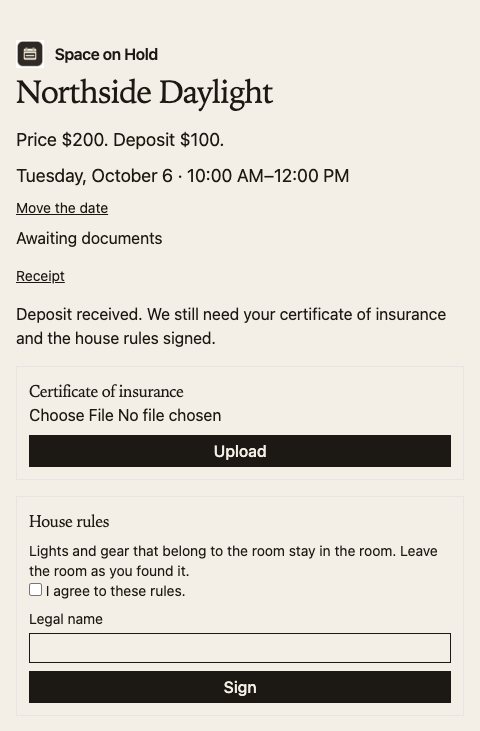
If you asked for insurance, or a signature on the house rules, they send it on the same link. Signing is a checkbox, their legal name, the time, and a copy of the rules. If you didn't ask for either, the deposit is the last step.
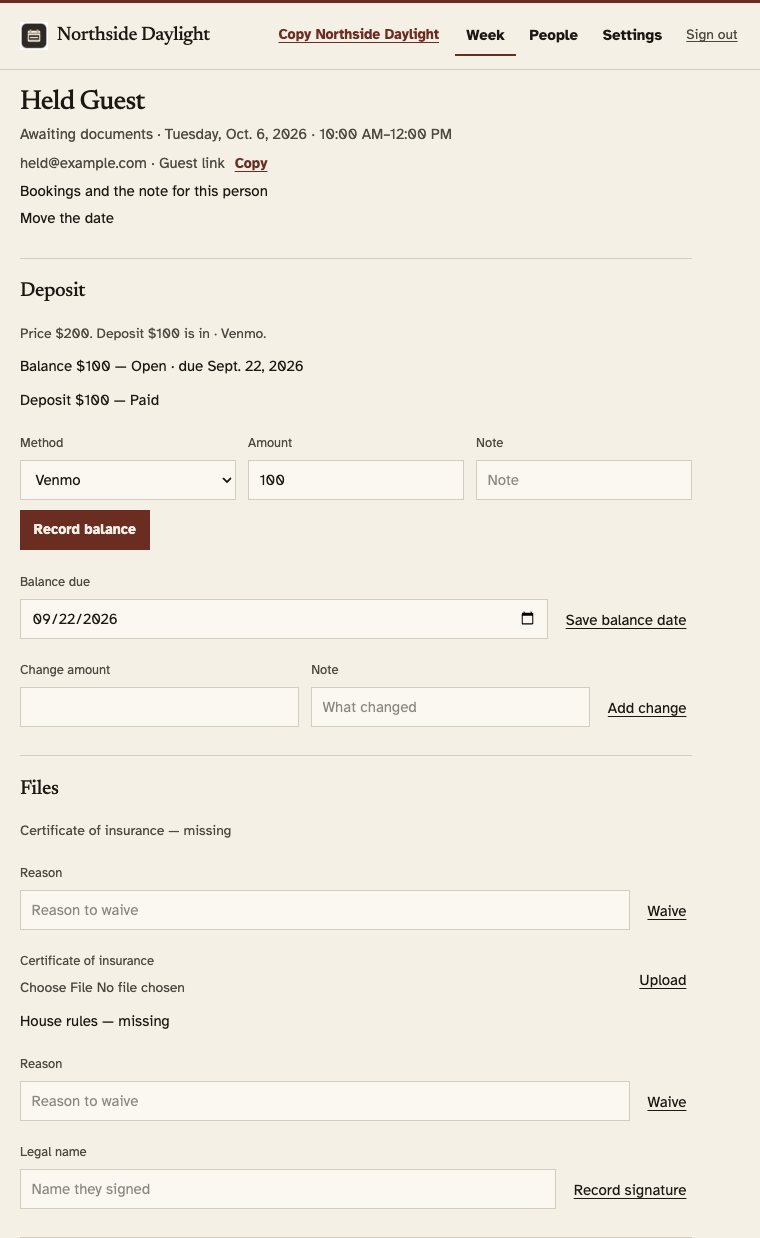
The date is confirmed when the deposit is paid and anything you asked for has come in. If you already have the file, you can let that booking through and write why. Until then, the time is held but not confirmed.
The same link is where they sign the rules and, if you asked, upload the certificate. A certificate is a PDF, a JPEG, or a PNG, up to 10 MB.
The day they arrive
The day before they arrive, if the booking is confirmed and the start is inside 24 hours, they get a short note about getting in. That note stays off the page you send around. It isn't in the email that only says the deposit is in.
If the booking is canceled, the time opens again. The software doesn't send the deposit back on its own.
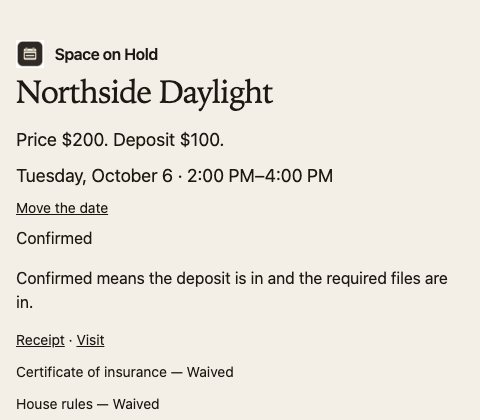
Confirmed means the deposit is in and the required files are in. A hall that didn't ask for a certificate can be confirmed once the deposit is in and the house rules are signed.
The page
Send people a page they can book on.
Start the 14-day trial, put in your hours and your rates, and send them the page. Use the address you picked, or a domain you already own.