 Space on Hold
This is how sign-in, payments, and files work.
This page describes the software as it runs. It doesn't add a certification, a coverage amount, or a processing percent that the product doesn't state.
Who can sign in
You're the only person who signs in. Email is the username. On the live site the password is at least 12 characters, email verification is on, and sign-in asks for a code by email. Codes aren't sent by text message.
The person booking doesn't make a password. Their link is a long address that's hard to guess, for that booking, the receipt, and the visit. A link from another organization doesn't open on your address.
The deposit
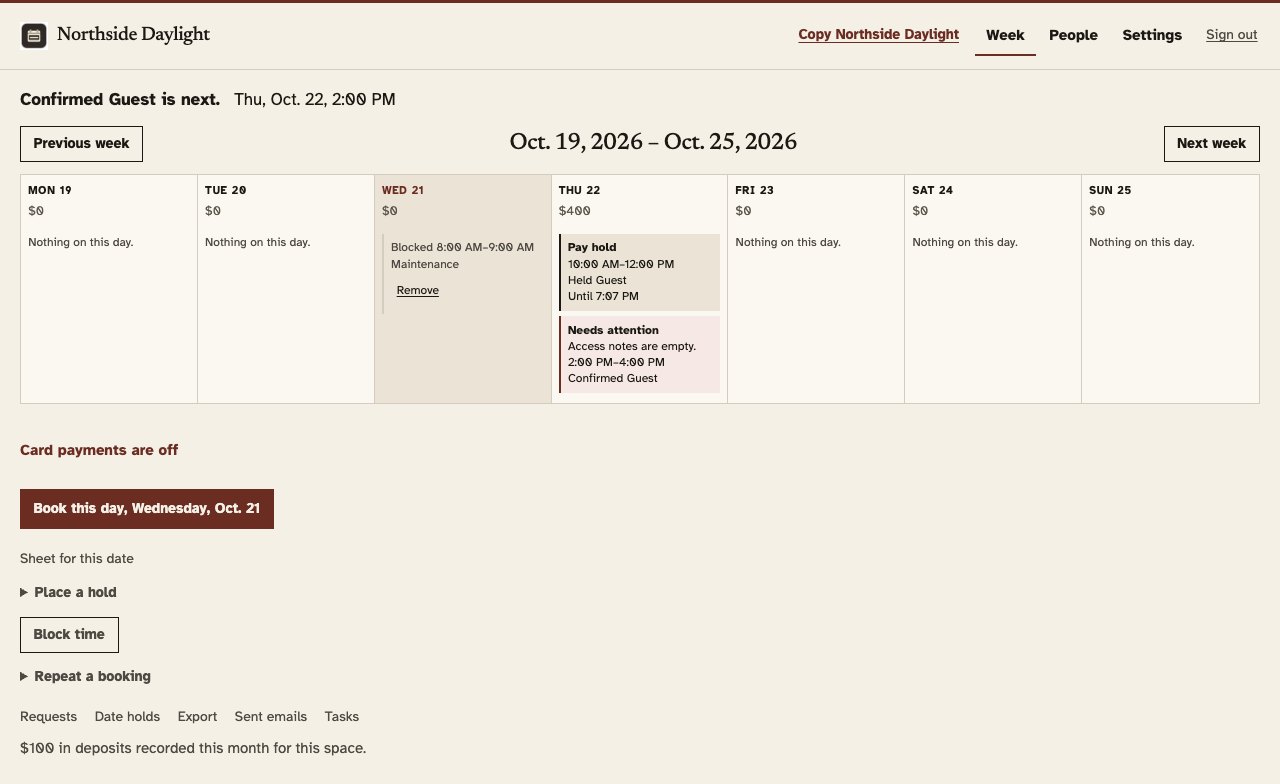
Stripe is the company that takes the card and sends the money to you. The charge goes to the account you connect. The card form stays off until that account can take charges. There are no booking fees. The owner pays Stripe's processing fee, and it comes out of the owner's payout. Stripe publishes the current typical US card rate. This app does not store that rate.
The booking keeps one succeeded deposit. A second success doesn't add another one. You can also record Venmo, cash, or a check. That path doesn't charge a card.
Canceling opens the time again. The software doesn't send the deposit back by itself. If money has to move, you record that yourself.
Files, rules, and access notes
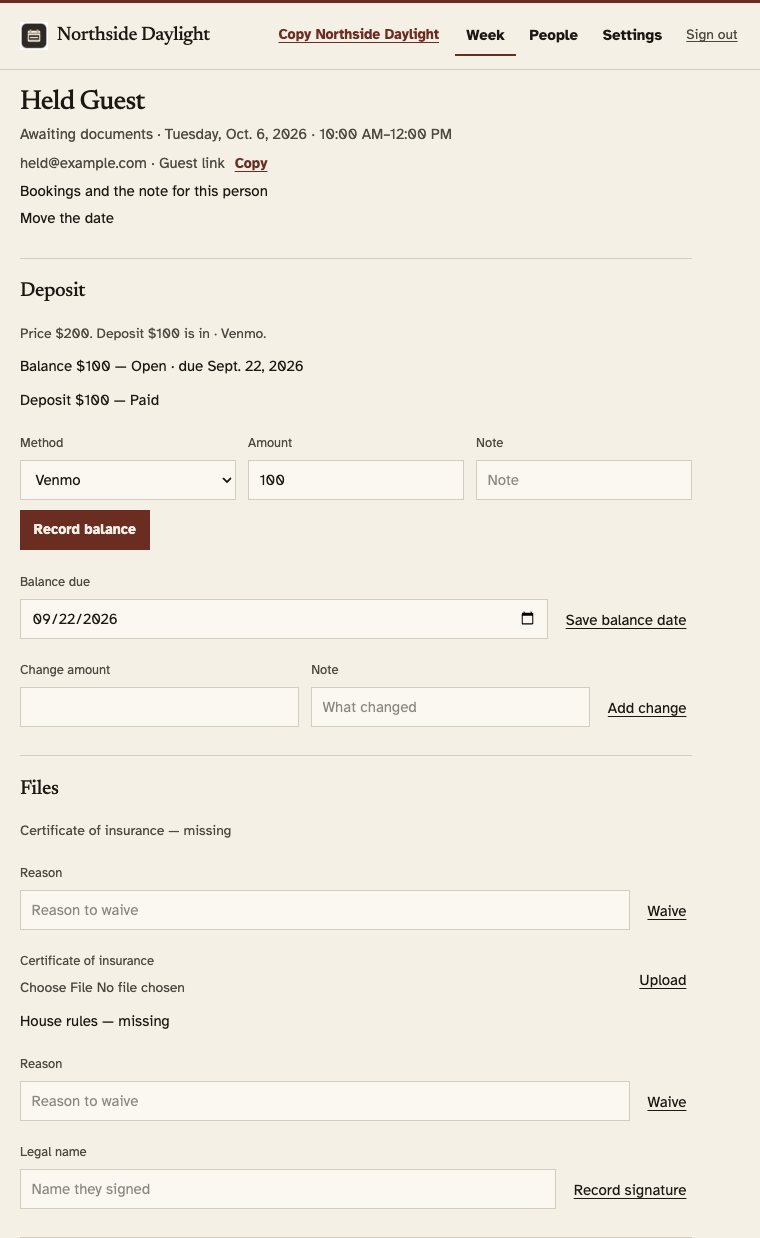
A certificate is a PDF, a JPEG, or a PNG, up to 10 MB. It stays off the public page. When private cloud storage is on, the link you open lasts about an hour. The guest doesn't get a public address for the file.
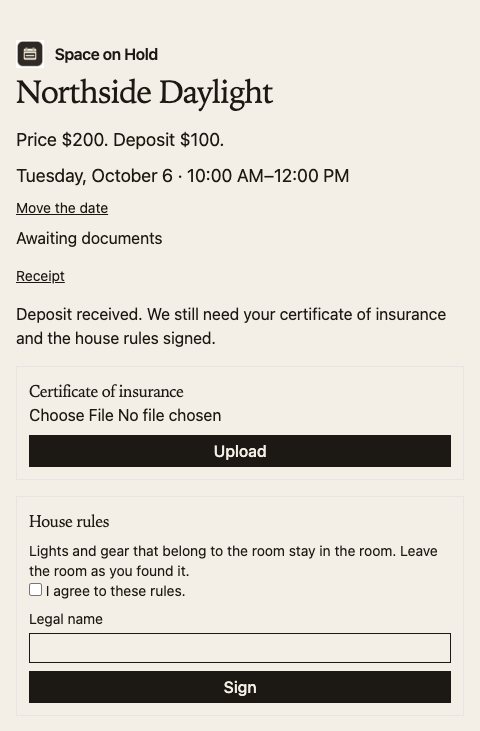
House rules are signed on the booking link after the deposit: a checkbox, a typed legal name, the time, and a copy of the rules. Space on Hold doesn't insure the room, and a signature isn't an insurance policy.
Notes about getting in, including a door code, stay off the public page. They aren't in the email that says the deposit is in. The day before, a confirmed booking can receive a short note, and only when the start is inside 24 hours.
What this isn't

The page
Send people a page they can book on.
Start the 14-day trial, put in your hours and your rates, and send them the page. Use the address you picked, or a domain you already own.